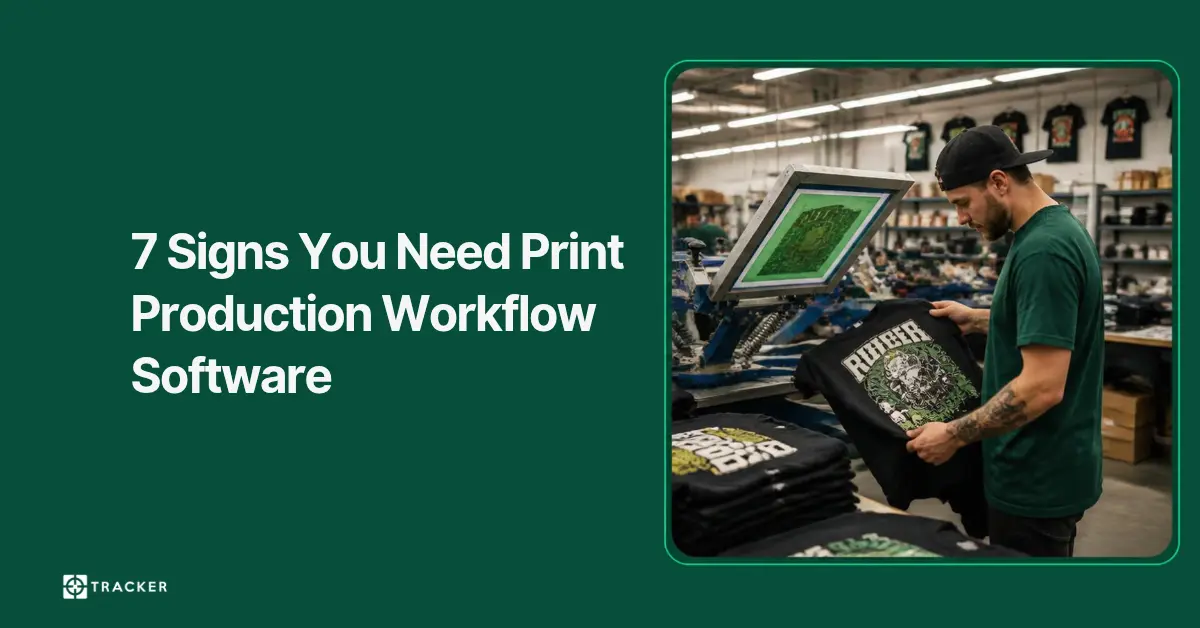
7 Signs You Need Print Production Workflow Software
Missed deadlines, delayed orders or production bottlenecks? Discover 7 signs your print shop needs print production workflow software to stay organised.
You should consider print production workflow software when your team spends too much time searching for job information, updating whiteboards, or recovering from schedule disruptions. Connected workflow software links artwork, approvals, and machine queues in one place so jobs flow directly from sales to the floor without manual duplication or guesswork.
You should consider print production workflow software when your team spends too much time searching for job information and updating schedules. Are your team members waiting on artwork? Are your sales staff requiring updates and are urgent jobs requiring you to switch schedules frequently?
Managing jobs and orders using spreadsheets, whiteboards and printed job sheets is fine as long as all of your orders can be tracked easily. However, the use of these systems becomes complicated as more users require access to the information, as jobs move through multiple departments and as any change in artwork or delivery times needs to be reflected in multiple sheets.
As that workload grows, the time spent managing production can start eating into the time available for production itself. Missed updates can lead to late jobs, incorrect artwork, avoidable reprints and customers being given different answers depending on who they speak to.
In this blog post, we’ll look at seven signs that your current production workflow may have outgrown manual tracking, along with the areas where print production workflow software can give your team better control over jobs, artwork, schedules and production status.
Do You Need Print Production Workflow Software?
Here are seven signs you need print production workflow software:
1. Your Print Production Schedule Still Exists in the Form of Spreadsheets or on Whiteboards
Spreadsheets and whiteboards are easy to work with and everyone knows how to use them. When production is not busy and you have only a few jobs at hand, they will work quite well.
However, when you have some very urgent orders, the situation becomes complicated. A job that we need today has to be put in front of two jobs already on the board. But when doing that, we wouldn’t change only the same place on the board. We also have to take into account artwork approval, preparing screens, setting up machines, finishing and delivery processes and shipping of materials.
An effective production schedule should show more than just today’s schedule; it has to help the production team understand what has been completed and what needs to be completed, and also what changes occur in the workflow in case of changes in priorities.
Once the updating of the production schedule becomes a regular manual job, using production workflow software will provide us with a good insight into upcoming jobs and equipment without the need to update the schedule on the whiteboard all the time.
2. Your Team Keeps Asking Where a Print Job Is
If “Where is that job?” is one of the most common questions in your shop, the production status is probably not visible enough.
- A screen printing job may have been completed but be awaiting curing or finishing.
- An embroidery order may be ready to stitch but held up because one size has not arrived.
- A DTG job may still be pending approval of the artwork, even if it is in the production process.
Given that these updates can be found in different places, sales have to check with production, which in turn has to check another department’s status, and an employee eventually has to walk to figure out what has happened.
While such interruptions may only last a few minutes, they occur repeatedly every time there is a new inquiry about customer status.
Print production workflow software gives a clear status to each individual job in the shop. In addition to tracking the overall job status, this software keeps track of the stages of a job from artwork to approval, pre-press, ready for production, printing, and finishing.
Names do not matter; what matters is that everyone is using the same status. Sales should be able to tell whether a job is waiting for approval or already being processed without interfering with the machine operator.
3. Artwork, Proofs and Production Instructions Are Stored in Different Places
Artwork problems often start long before the machine starts running.
The original file may arrive by email. A revised proof sits in another email thread. Colour separations are stored on a shared drive. A customer folder contains an embroidery DST file which consists of production instructions. This may work successfully until a customer changes their mind.
If a customer accepts version three of the design but production uses version two, the machine will produce the wrong design. The customer will only see that when it is too late, meaning that garments, inks, threads, and production costs have already been wasted.
The challenge of updating the job status will not end there. The customer may change the placement of the logo, the colour of the print or reduce the quantity of items already approved. All such changes have to be passed on to the production team.
To carry out the jobs correctly, it is essential to have a workflow program linking all files and approval notes to the job processing. In the case of screen printing shops, the need to link information becomes even more essential when having the same logo created as a vector image, a DST file, and a proof is commonplace.
4. Rush Orders Keep Disrupting the Rest of Your Production Plan
Rush work is normal in decoration and print. The warning sign is when every urgent job forces the team to rebuild the day around it.
Moving one order ahead may affect screen setup, embroidery machine capacity, DTG availability, finishing and dispatch. A job that looked possible at 10 am may no longer fit once another order has been moved or a machine has taken longer than expected.
This is especially difficult when your schedule only shows due dates. A press may appear free later in the day, but the screens may not be ready. An embroidery machine may have capacity, but the approved stitch file has not come back yet. A DTG printer may be available, but the garments still need pretreatment.
Production scheduling works better when you can see those dependencies before making a promise to the customer. Print production workflow software helps your team see what is already committed, which jobs are ready and where a rush order can fit without relying on one production manager to mentally rearrange everything.
That also helps sales: instead of agreeing to a delivery date and checking with production afterwards, the team can base the promise on what the shop can realistically handle.
5. Your Team Is Entering the Same Job Information More Than Once
Often, repeated data entry becomes ingrained in workflows without anyone questioning it.
Sales enter the customer’s order. Someone then duplicates that information into the job sheet. Production then enters the same job into some spreadsheet. Somebody enters part of that information again for purchasing or invoicing. Each step seems harmless; however, every duplication represents one more opportunity for something to go wrong.
The quantity may be typed incorrectly. A due date may be copied from an old order. A garment size breakdown may be missed. Production may still have the first artwork specification after sales has already agreed to a revision.
The issue is not only the time spent typing. It is the amount of checking required afterwards because nobody is completely sure which system contains the latest information.
In a connected workflow, order information flows through the business rather than being “rebuilt” at each stage. Production can simply work directly from the customer order, artwork approval and job specification entered by sales. This is especially useful for repeat orders, as the team can quickly access the previous job and see what has changed without reconstructing the whole order from emails and archived documents.
6. While the Shop Operates at Full Capacity, You Cannot Determine Where Time Is Lost
Just because the shop floor is busy, it does not imply that operations are running smoothly.
Machines can be running while orders spend most of their lead time waiting between stages. A screen-printing job may sit in prepress waiting for screens. An embroidery order may wait a day for customer approval. Finished garments may sit beside the packing area until the rest of the order catches up.
If you focus only on particular machines, it is easy to overlook delays. Understanding whether operations are busy is useful in itself; however, it would really help if you knew what is actually slowing down the workplace.
With the help of a job status monitoring system, you can have a clearer picture of the process. For instance, you may realize that artwork approval creates problems more often than actual printing. A particular production method may regularly build a queue at the end of the week, or finishing may become overloaded whenever several large jobs complete together.
Getting this information will change the way you manage the shop because you will be able to make sure that jobs flow smoothly, rather than continually pressuring the machines. Workflow systems also allow managers to have a reliable basis for comparing turnaround times and work in progress.
7. Increased Orders Lead to Increased Administration Rather Than Additional Output
Growth is supposed to help your shop increase revenue and output. However, if each increase in orders creates more spreadsheets, more coordination meetings, and more administrative confusion, your workflow is not scaling with the business.
This usually happens when the company introduces production via another decoration method or machine:
- A company that only did screen printing begins doing embroidery, DTG, or DTF.
- Each of these processes has distinct artwork preparation and production tasks.
- A single customer order may need to be processed across two or three separate departments.
Manual communications cannot cope with all these moving parts as the complexity grows rapidly.
As a result, you might end up with one key employee who knows how everything works. They know which jobs have moved, which machine has capacity and which customer approved a change. As long as that person is there, production keeps moving—but the business has become bottlenecked by information held in one person’s head.
Print production workflow software gives that information somewhere to live outside individual staff members. Jobs develop through agreed steps, all updates are visible in real time, and managers can know what is happening without having to reconstruct it every time the company takes on more work.
The point at which software becomes useful is not tied to a specific number of employees or orders. It comes when the complexity of running the work starts consuming too much of the team’s time.
How Tracker Can Help Your Business
Tracker integrates artwork, job details, and production planning into a single unified workflow, enabling sales, artwork, and production departments to collaborate efficiently using the exact same order data:
- Centralised Artwork & Proofs: Keep customer logos, vector artwork, stitch files, proof versions, and approvals securely tied directly to the order record with logo management and proof approvals.
- Multi-Method Production Scheduling: Tracker’s production scheduling software allows you to manage jobs across all decoration methods—screen printing, embroidery, DTG, heat transfer—and see true machine capacities and bottlenecks at a glance.
- End-to-End Visibility: Sales, art, and production operators can see in real time which orders are approved, which are ready for production, and which are awaiting customer sign-off or blank garments.
If you are currently juggling several disconnected platforms, spreadsheets, and paper job sheets to manage your shop, see how Tracker can streamline your entire process from art to dispatch. Book a demo with one of our experts or get started today.
Final Thoughts
Print production workflow software becomes essential when manual tracking begins to impact production speed and accuracy. If your team struggles to locate job information, switches between artwork versions, scrambles to rebuild schedules around urgent orders, enters the same data repeatedly, or has difficulty pinpointing job progress, your current workflow has outgrown manual methods.
Print production workflow software allows your team to keep all job statuses, artwork, customer approvals, and production schedules in one accessible place. For growing print and garment decoration companies, implementing dedicated workflow software is the most reliable way to increase shop capacity without inflating overhead and team size.
Will Hemming
Founder & Technical Director
Related Articles
Digital Proof Approvals + PLM Integration = Faster Licensed Team Gear Turnaround
How combining digital proof approvals with PLM distributor integrations accelerates licensed team gear production while maintaining compliance.
Read More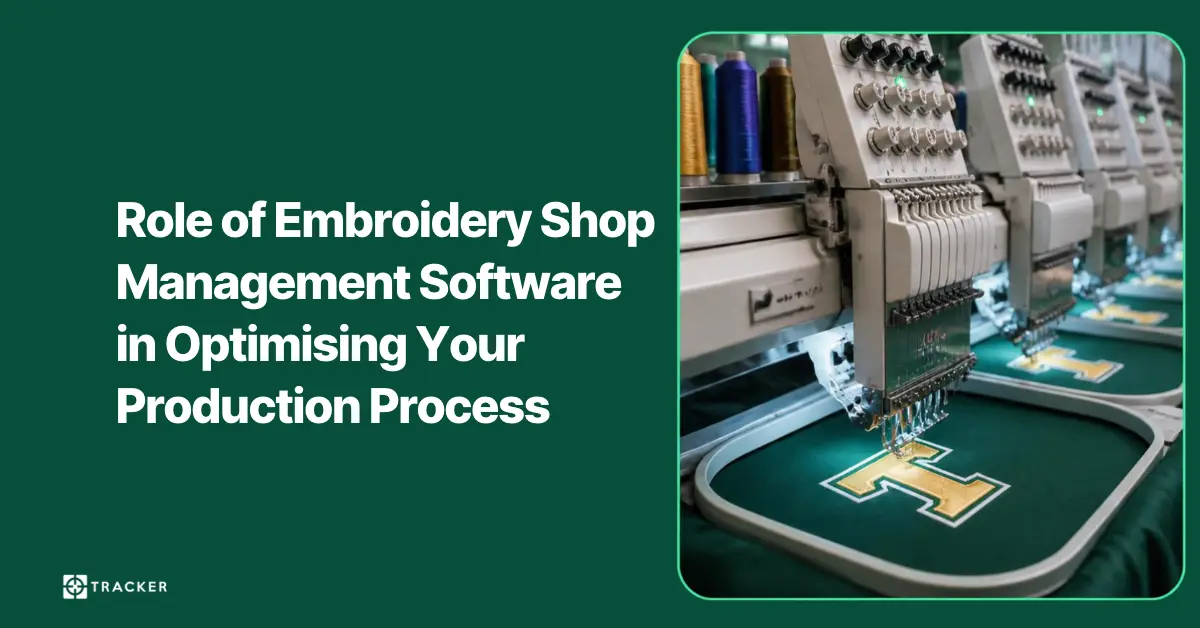
How Embroidery Shop Management Software Streamlines Production
Discover how embroidery shop management software helps manage orders, schedule jobs, track production and reduce delays across your embroidery shop.
Read More Production Scheduling Secrets: Thread Colour Optimisation & Machine Barcode Integration
Learn how thread colour batching and barcode-to-machine integration can increase your embroidery and DTG throughput by 30–40%.
Read MoreSubscribe to Our Newsletter
Get the latest articles, product updates, and workflow tips delivered straight to your inbox.
By subscribing, you agree to our Privacy Policy and consent to receive updates from our company.